

You open the application. Forty fields stare back at you. Work history. References. Salary expectations. A custom essay question at the end.
Twenty minutes later, you've barely made it past your address.
Online job applications have become multi-step gauntlets, and most people treat each one like the first time they've ever done it. That's where the time goes. This guide is about building a system, so you move faster and make fewer mistakes.
Prepare Before You Apply
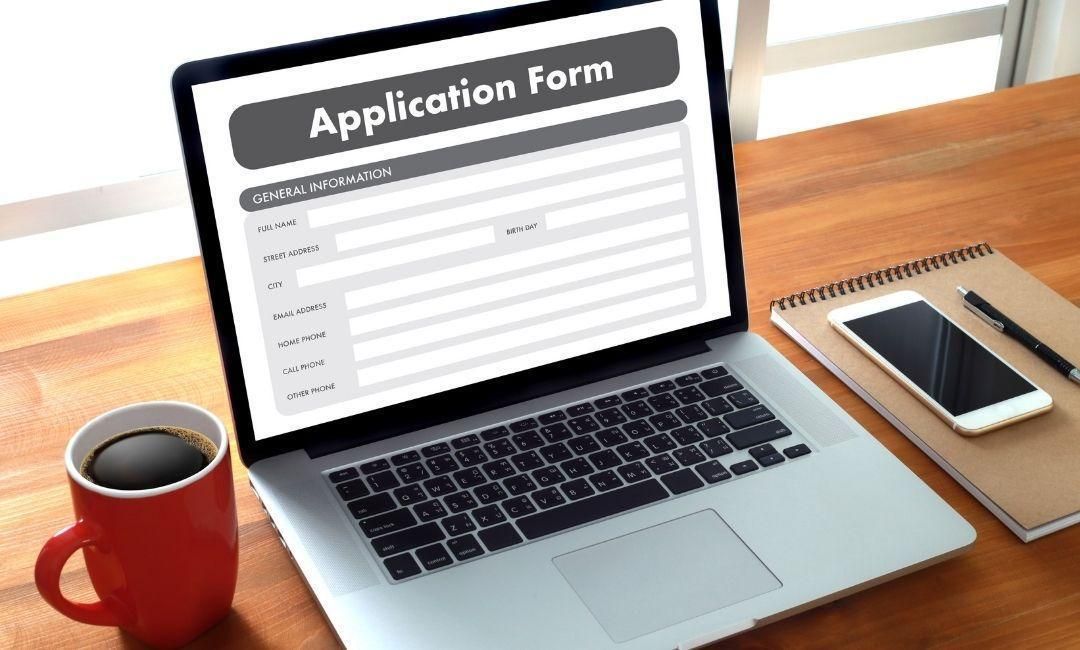
The biggest time sink in online applications is hunting for information mid-form. Your browser shouldn't be your notepad.
Before starting any application, compile the details you share repeatedly, such as your name, phone number, and email, in a note-taking or document app so you can copy and paste quickly into each form.
Beyond the basics, keep a ready-reference document with:
Full employment history: every employer, job title, start and end date, supervisor name, and contact number
Education details: institution names, degrees, graduation dates, GPA if relevant
Three professional references: name, title, company, email, phone number
Salary expectations: a range, not a fixed number; listing "negotiable" is acceptable and gives you room to move
Verify that dates and job titles match exactly between your resume and application form. Inconsistencies raise immediate red flags with employers and ATS systems alike.
Pro tip: Use a professional email address for your job search. An informal address signals carelessness before anyone reads a single word you wrote.
The Sections People Always Rush
Online applications follow a predictable structure. Most have the same five core sections, and each has its own traps.
Work history: List roles in reverse chronological order. Be accurate on dates. If you left a job on bad terms, keep your explanation short and positive. Avoid the words "fired" or "quit." Consider using "involuntary separation" where relevant.
Skills: Don't just copy your resume here. Mirror the exact language from the job description. ATS systems scan this section first.
Availability: Be honest and realistic. If you have schedule flexibility, say so explicitly. Employers prefer candidates who are open to adapting their availability.
Salary: Give a range, always. A single number locks you into a corner. Research the market rate before you apply so your range is grounded in real data, not guesswork.
References: Confirm with your references before listing them. Nothing is more awkward than a surprised former manager getting a call they didn't expect.
If filling out these same sections on every application sounds exhausting, that's because it is. Zapply's free Chrome extension autofills all of it in one click, so you can focus on the parts that actually need your attention, like custom questions and salary research, rather than copy-pasting your address for the 30th time.
How to Handle Custom Screening Questions

This is where generic applicants get filtered out. Custom questions are deliberate. They're not filler.
Pre-screening questions filter candidates before anyone reviews their qualifications. A single weak or incomplete answer can end your application before it reaches a human.
Treat every open-ended question like a mini cover letter. Answer directly, use specific examples, and tie your response back to the role. The structure that works every time:
What the question asks → your specific example → the outcome
For instance, "Describe a time you solved a difficult problem" should not be answered with a vague claim. Name the situation, describe what you did, and state what happened because of it. Concrete beats generic every single time.
What not to write:
"I'm a team player who works well under pressure"
"I've always had a passion for this industry"
These are filler. Every candidate writes them. None of them land.
Before You Hit Submit
Rushing the final step is where otherwise solid applications fall apart.
Run through this checklist before submitting:
All required fields are complete (look for asterisks)
Uploaded documents are the correct versions of your resume and cover letter
Dates and job titles match your resume exactly
Spelling and grammar are clean throughout
Your answers to custom questions are specific and relevant
Your social media is professional or set to private
Recruiter and hiring managers will thoroughly investigate your social media accounts before speaking with you. Log out of your accounts and view them as the public would to see what comes up.
Apply Faster Online with Zapply
Knowing how to fill out job applications online well is half the battle. The other half is doing it consistently, across many applications, without burning out on repetitive form-filling.
Key takeaways:
Prepare a master reference document before applying anywhere
Match job titles, dates, and details exactly between your resume and application
Give salary ranges rather than fixed numbers
Treat custom questions as opportunities to differentiate yourself with specifics
Always review your full application and social media presence before submitting
Filling out the same application fields over and over is genuinely exhausting. Zapply's free Chrome extension autofills every form in one click, so your prepared information lands instantly across any application portal. Download it for free and keep your energy for the parts that actually require your thinking.